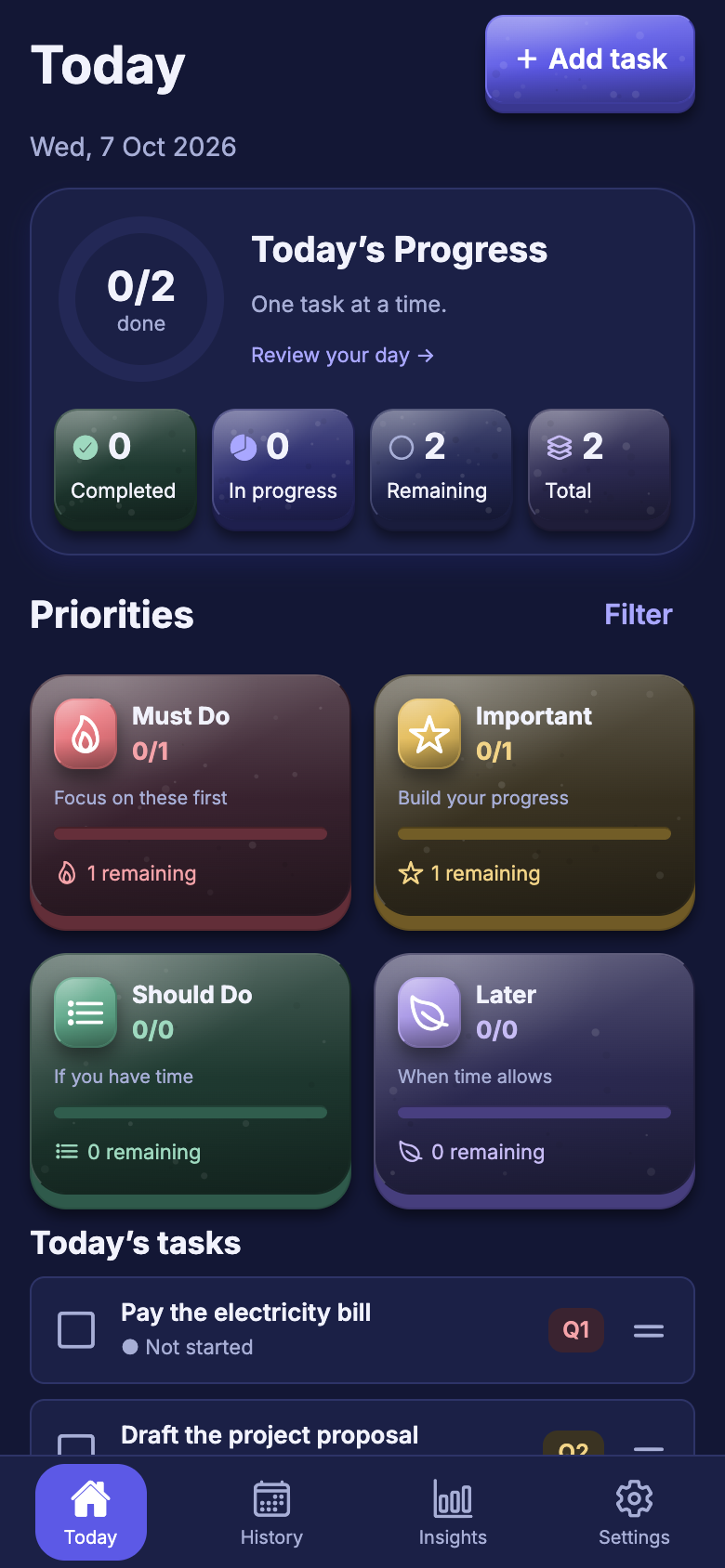
Must Do
What genuinely needs your attention first today.
Pay electricity bill
Give every task a place. Focus on what matters today, and let unfinished work carry forward with the rule you chose.
No account No ads or tracking Works offline
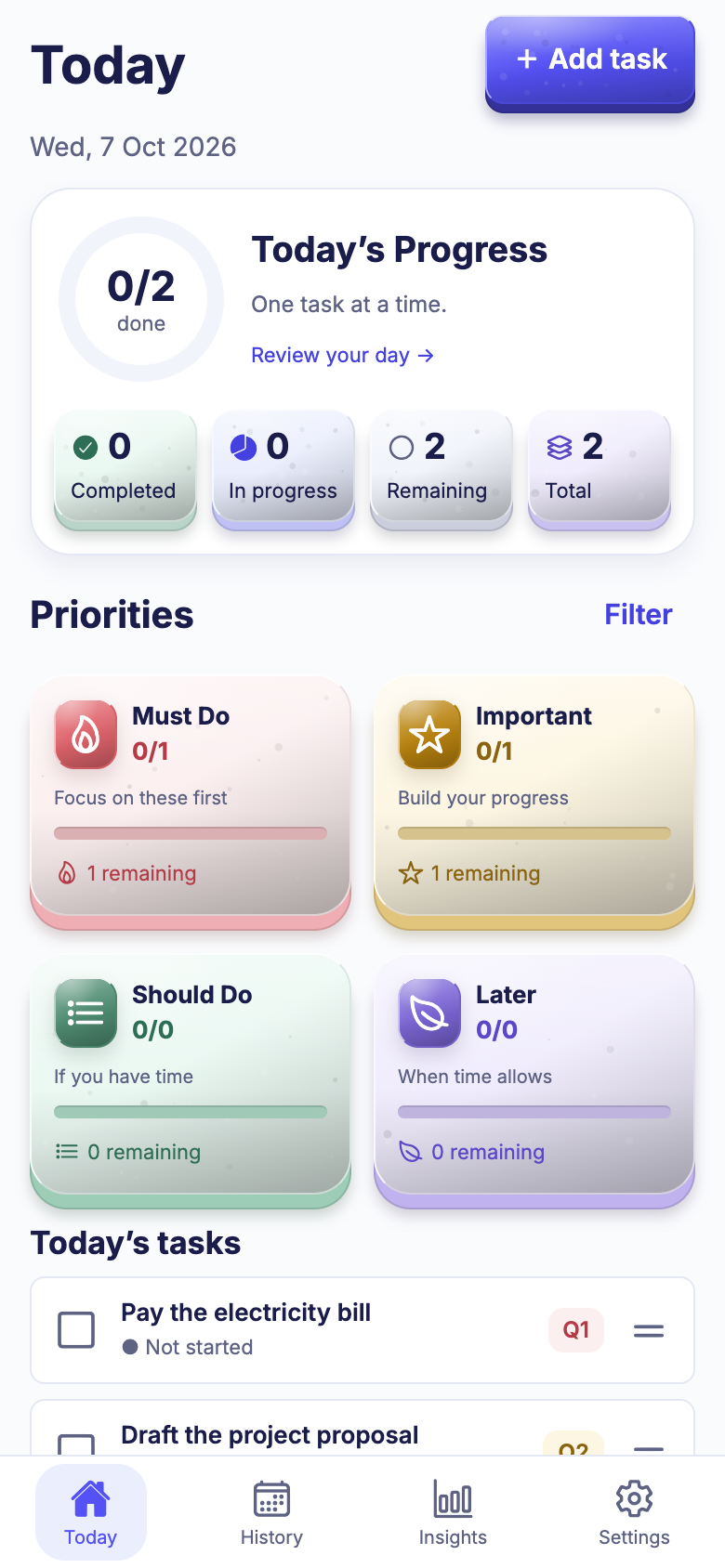
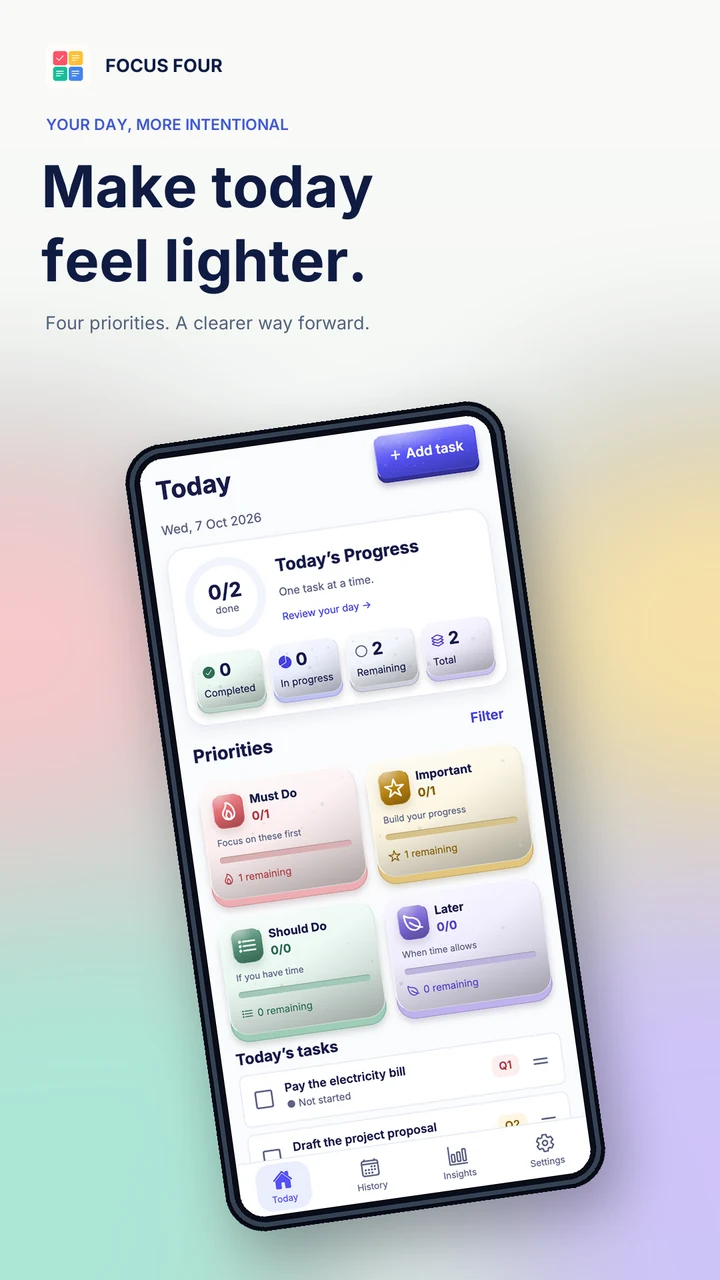
When every task looks equal, you pick the easy ones and the important ones slide. Focus Four gives each task a clear place, so your first glance tells you where to start.
Priorities keep today small enough to finish.
Nothing is deleted when a day ends. Work simply moves with you.
No feeds, badges or notifications fighting for your eyes.
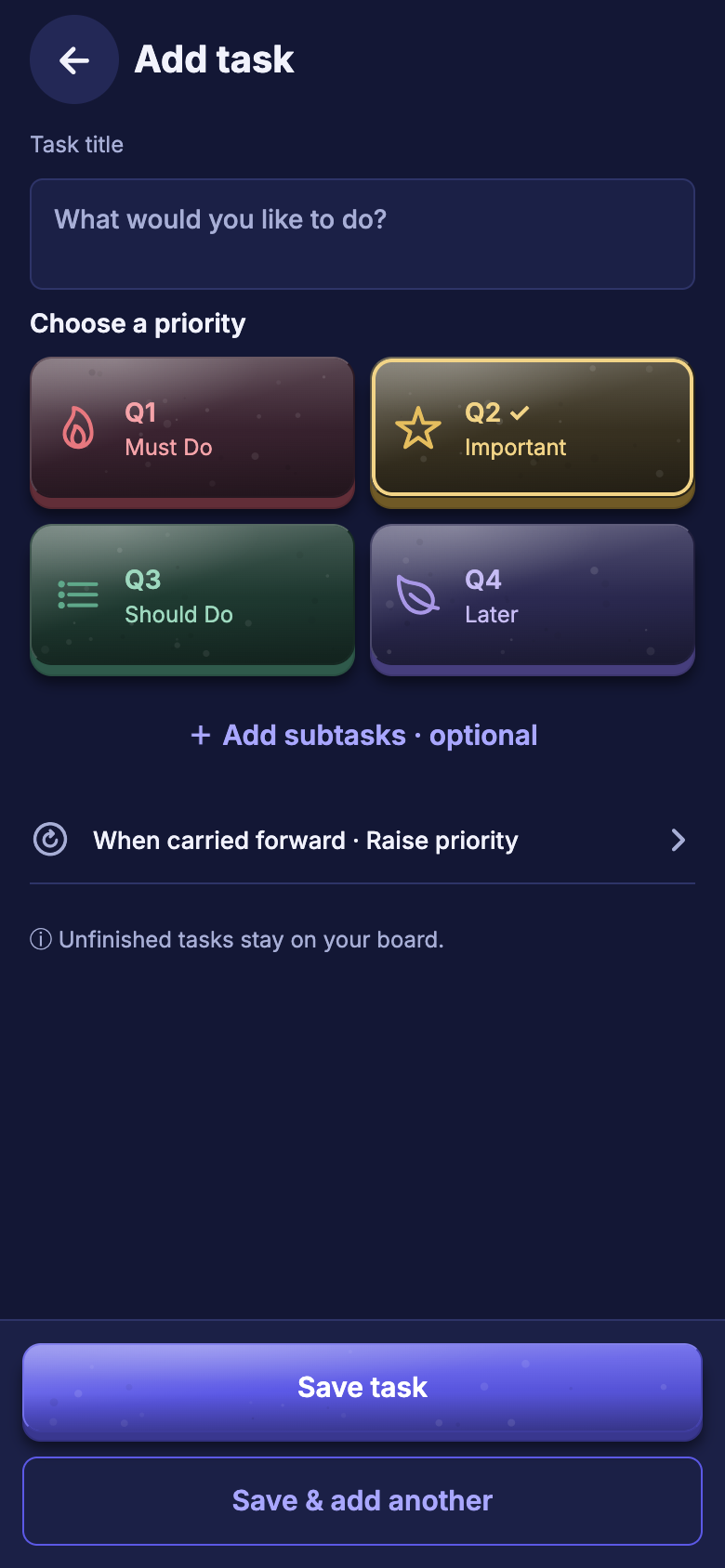
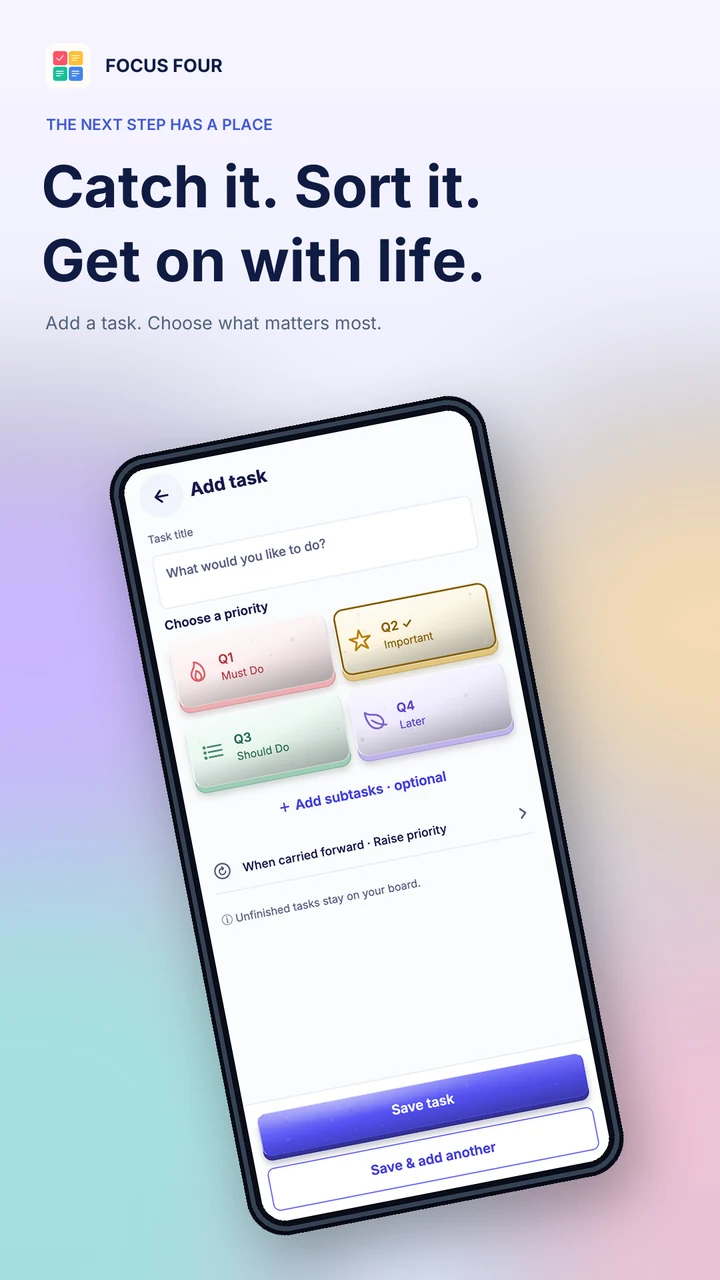
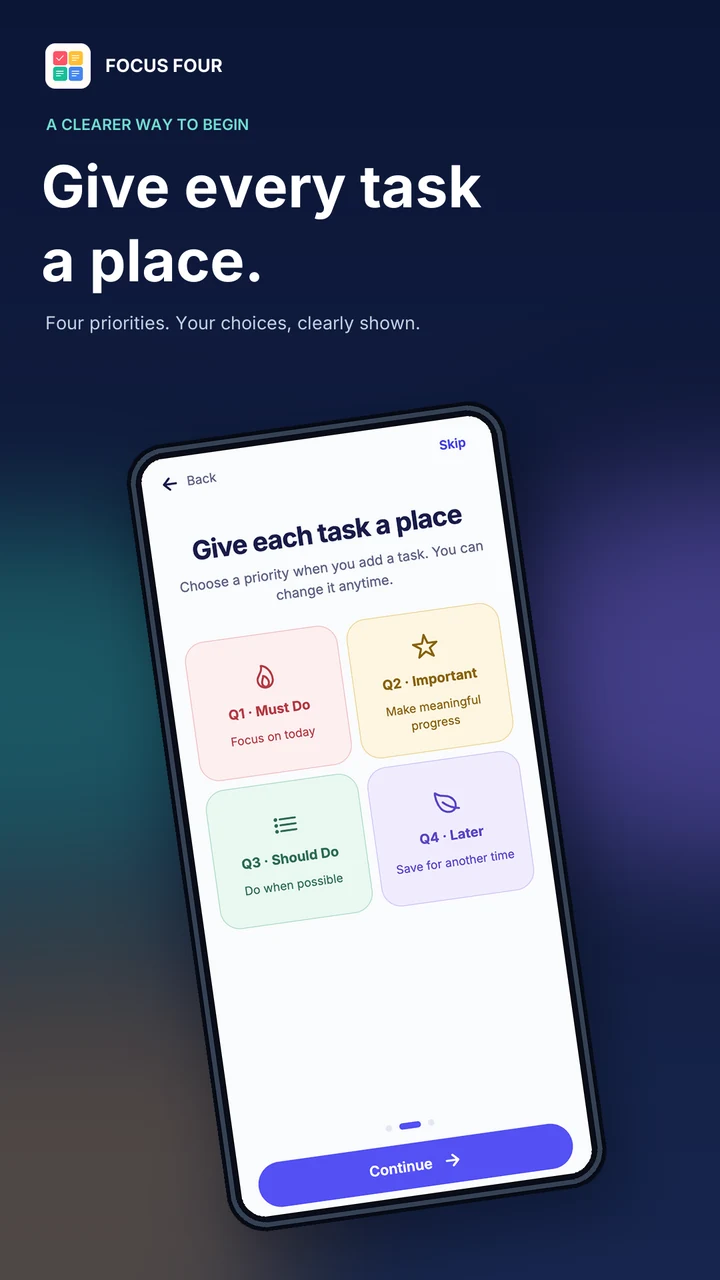
Pick a priority when you add a task. That single choice is the whole system.
What genuinely needs your attention first today.
The work that moves your life forward, without a clock ticking.
Useful tasks that deserve a slot once the big ones are moving.
Park it safely. It stays on your board until you are ready.
Small steps turn into big progress. Finish what matters today, and let tomorrow carry the rest.
Type a title, tap a priority, save. Adding a whole list of tasks takes a few taps and no menus.
Your four tiles show live counts. Tap a tile to filter, tick a task to finish it, or drag a task onto another tile to change its priority.
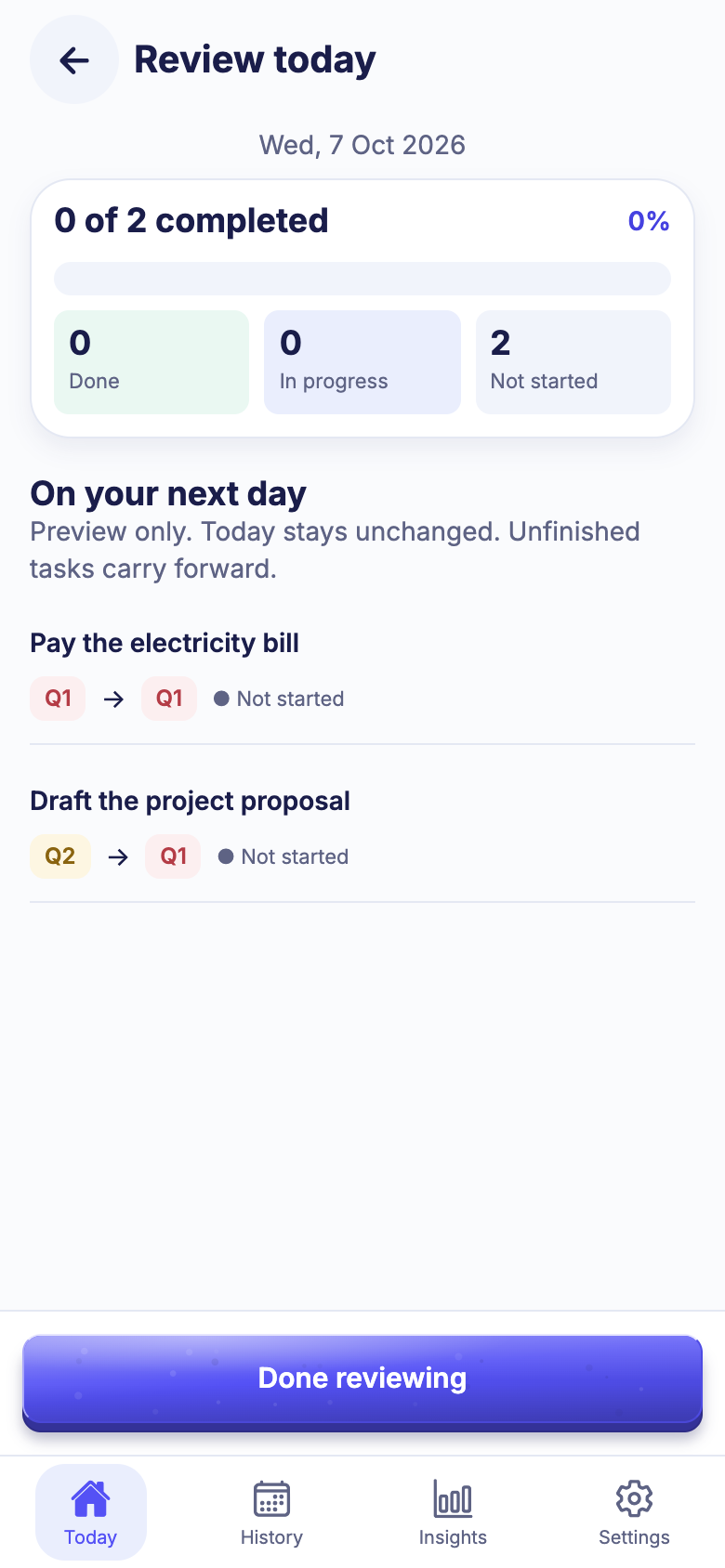
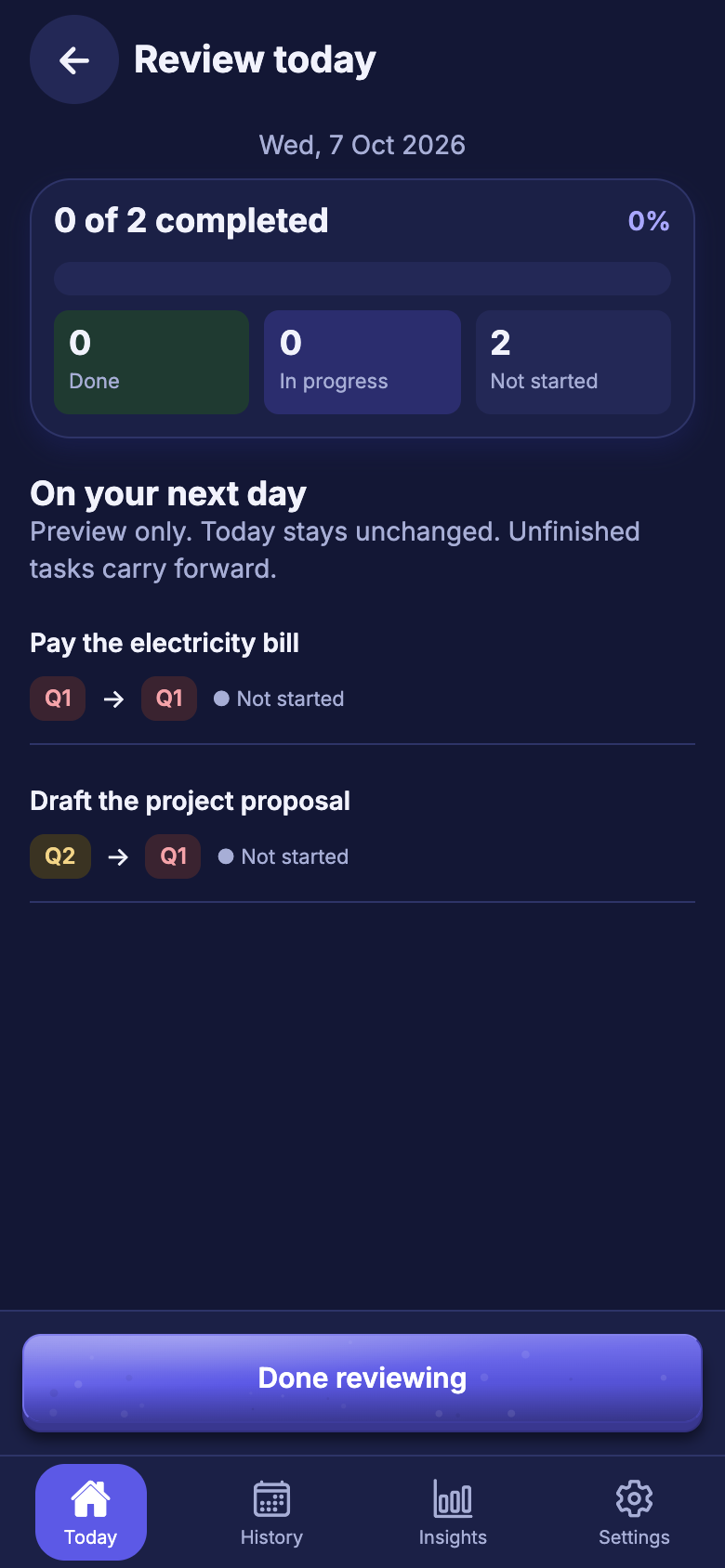
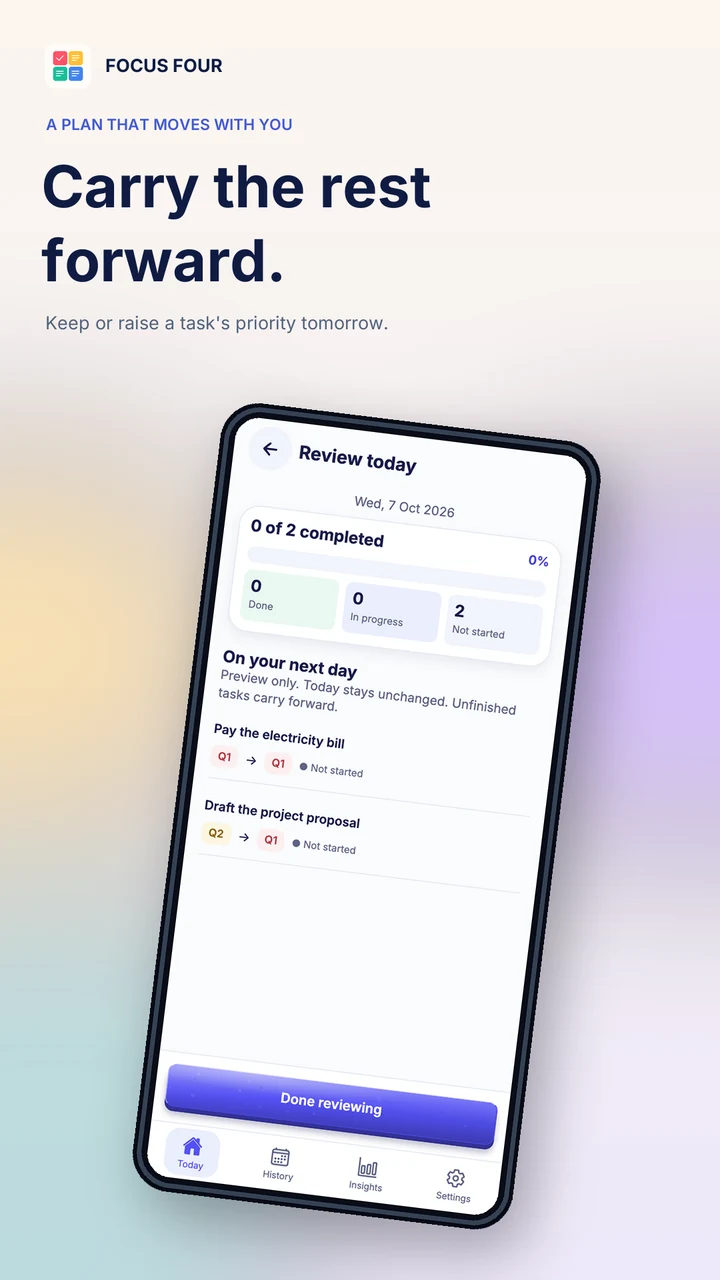
At the end of the day, review what comes with you. Tasks that stay open move to tomorrow, and you see exactly what will change before it does.
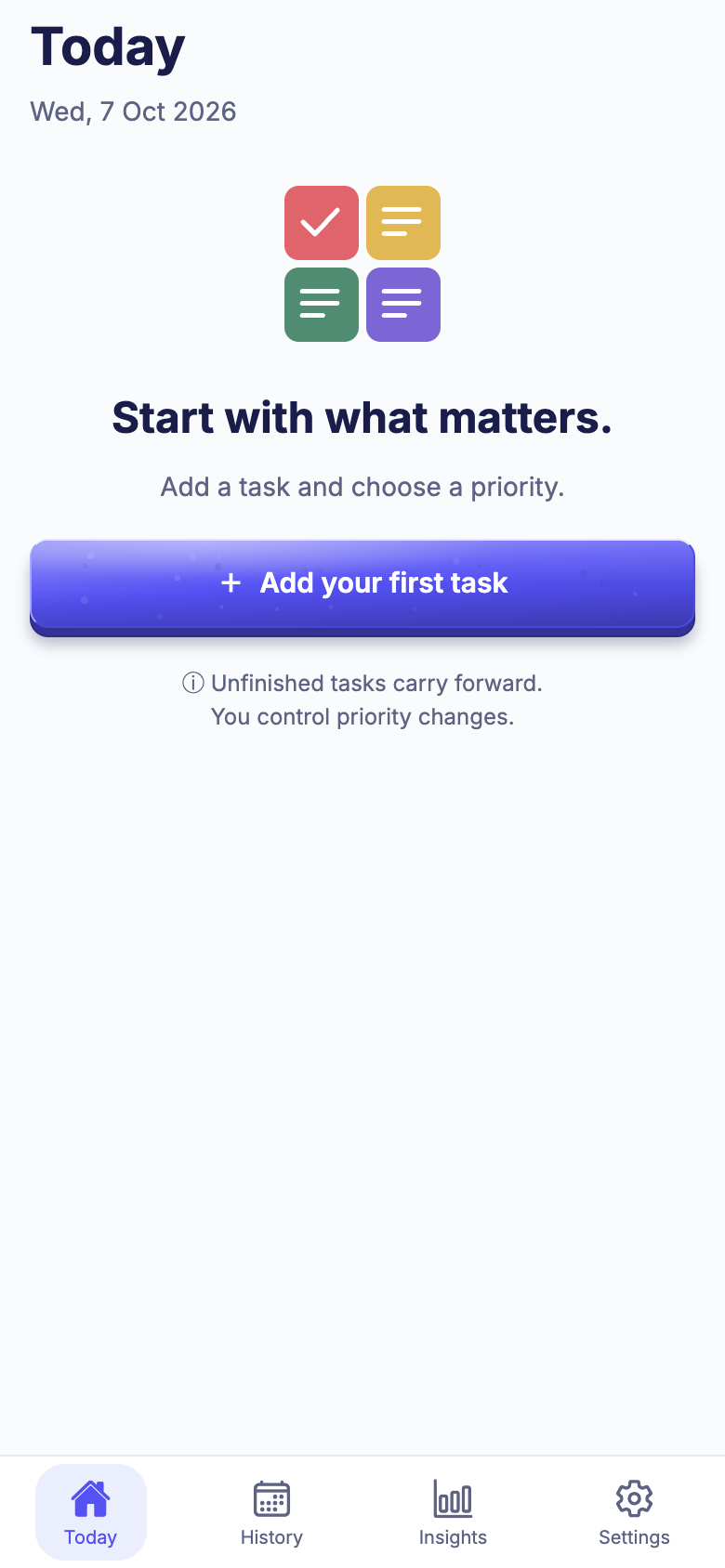
An empty board gives you a quiet place to start. After you finish a task, Focus Four gives a soft confirmation and Undo; when the board is clear, you can simply stop.
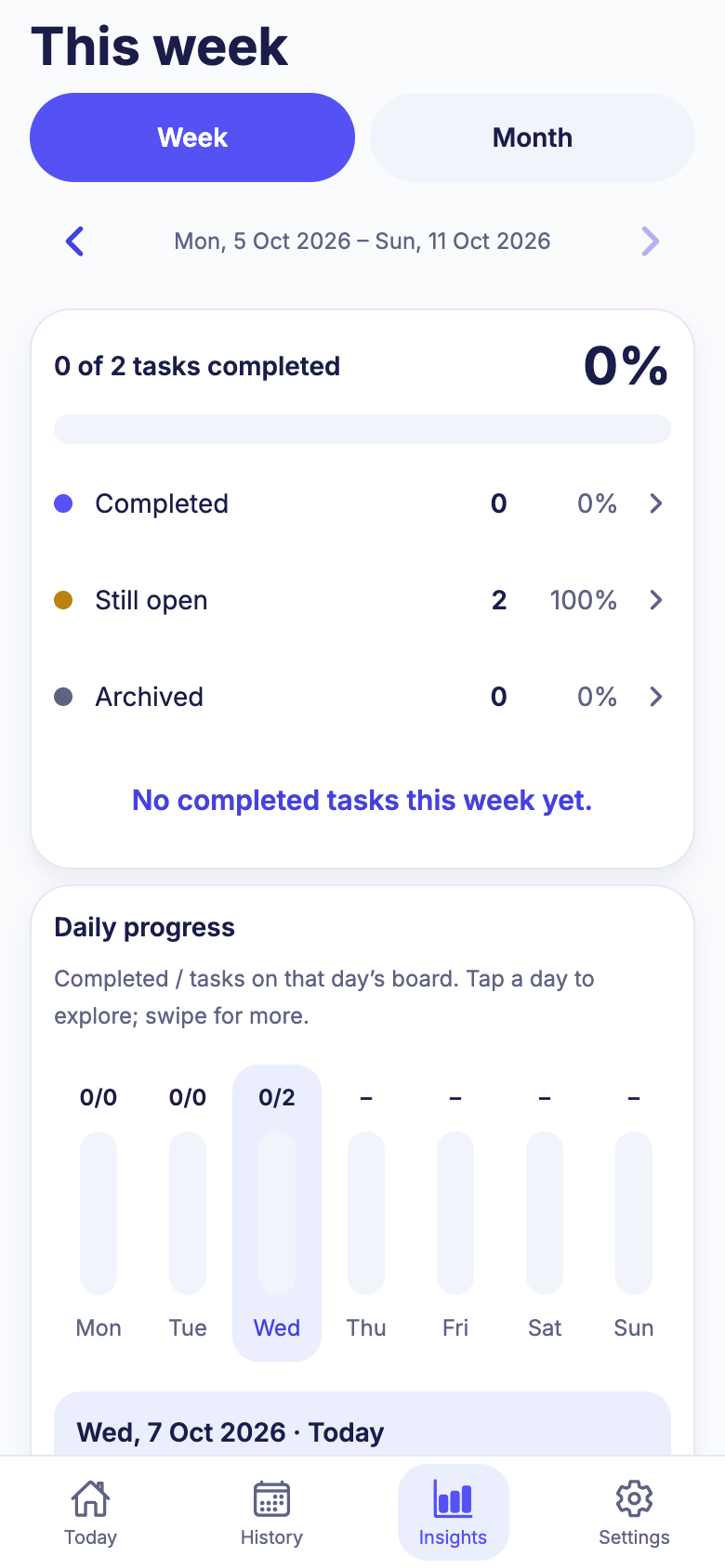
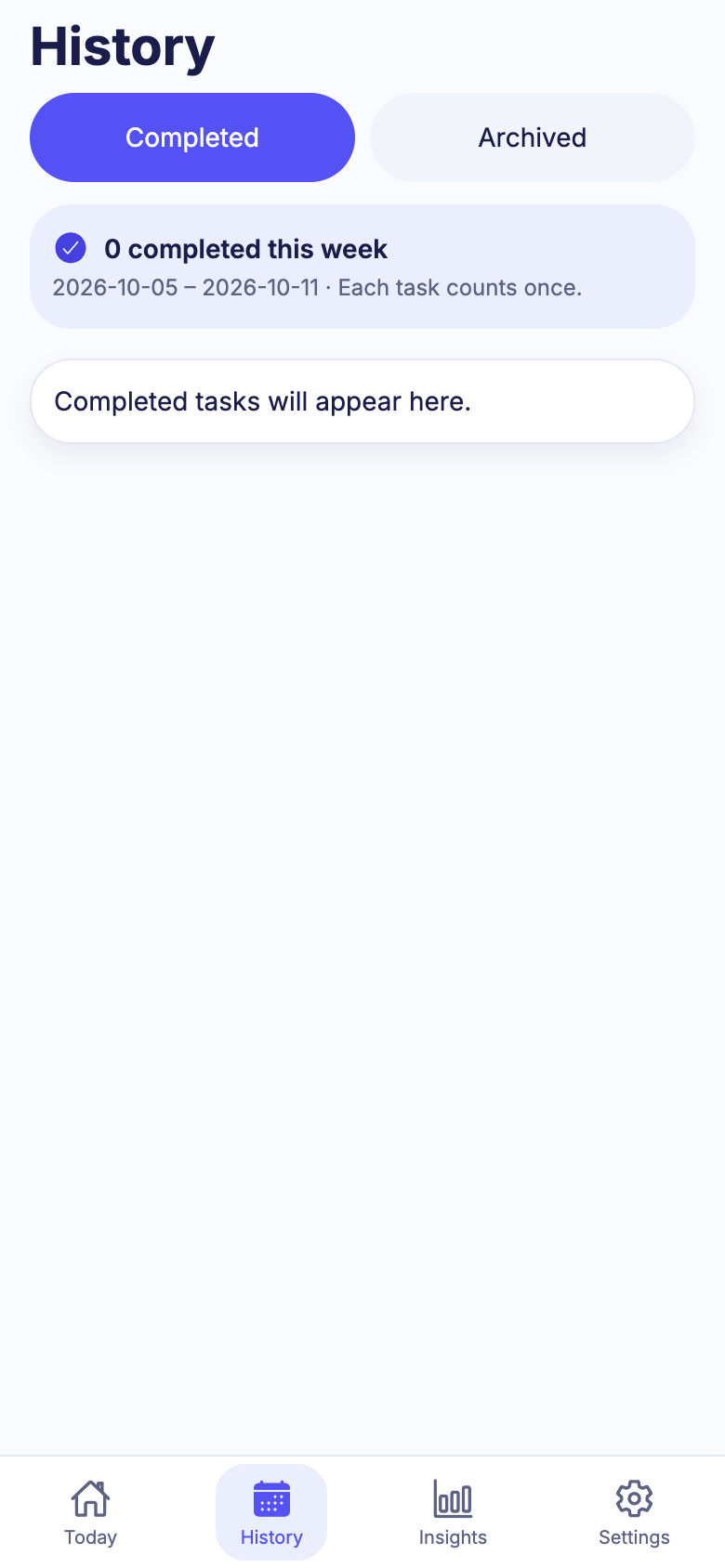
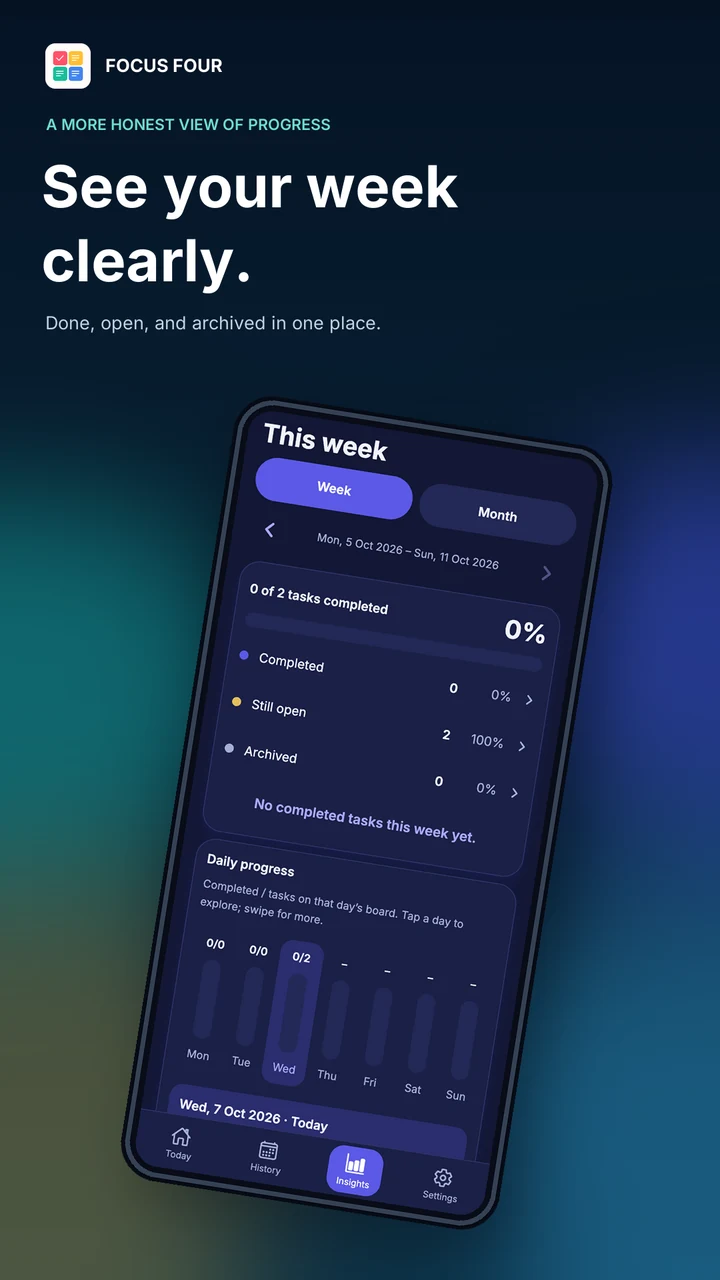
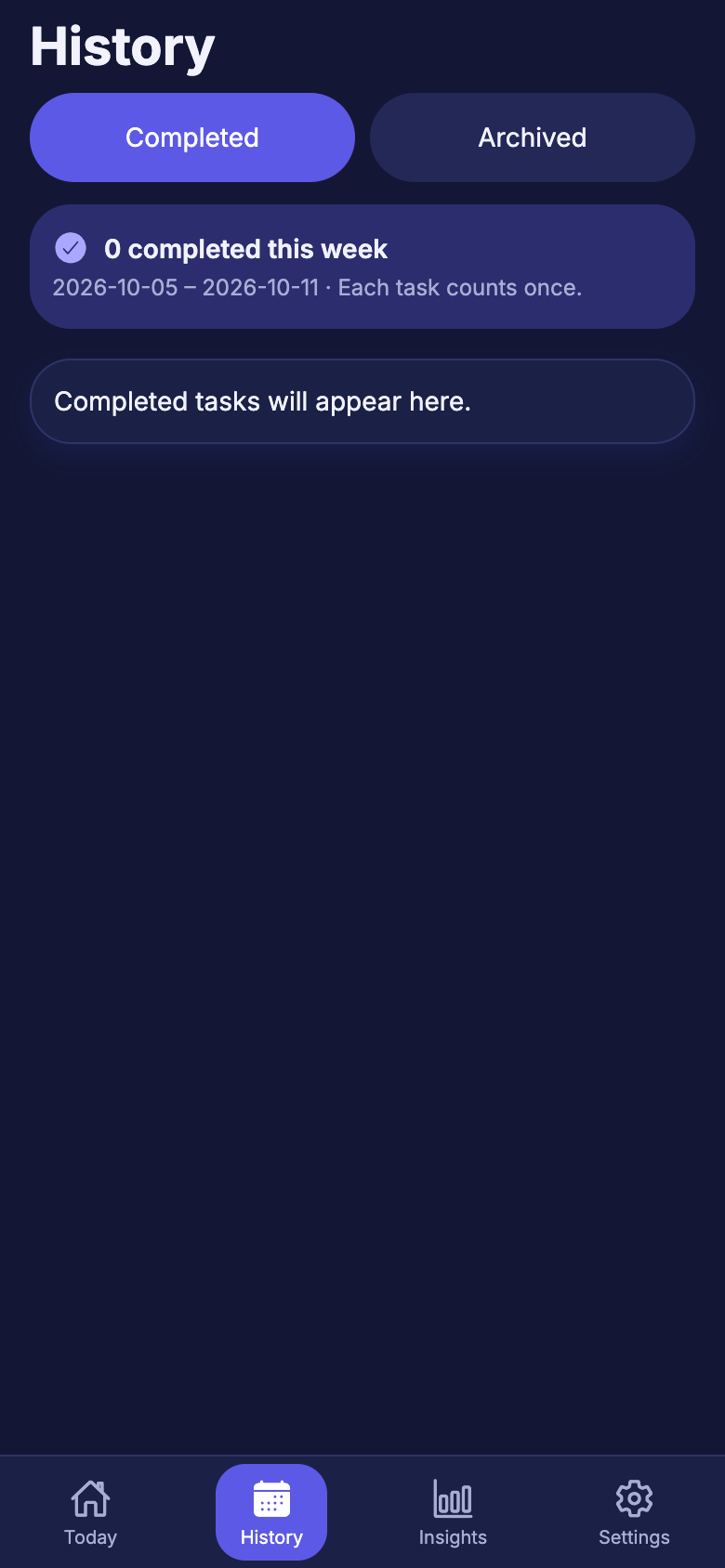
Weekly and monthly summaries show what you completed, what is still open and what you archived. Every number links back to the tasks behind it.
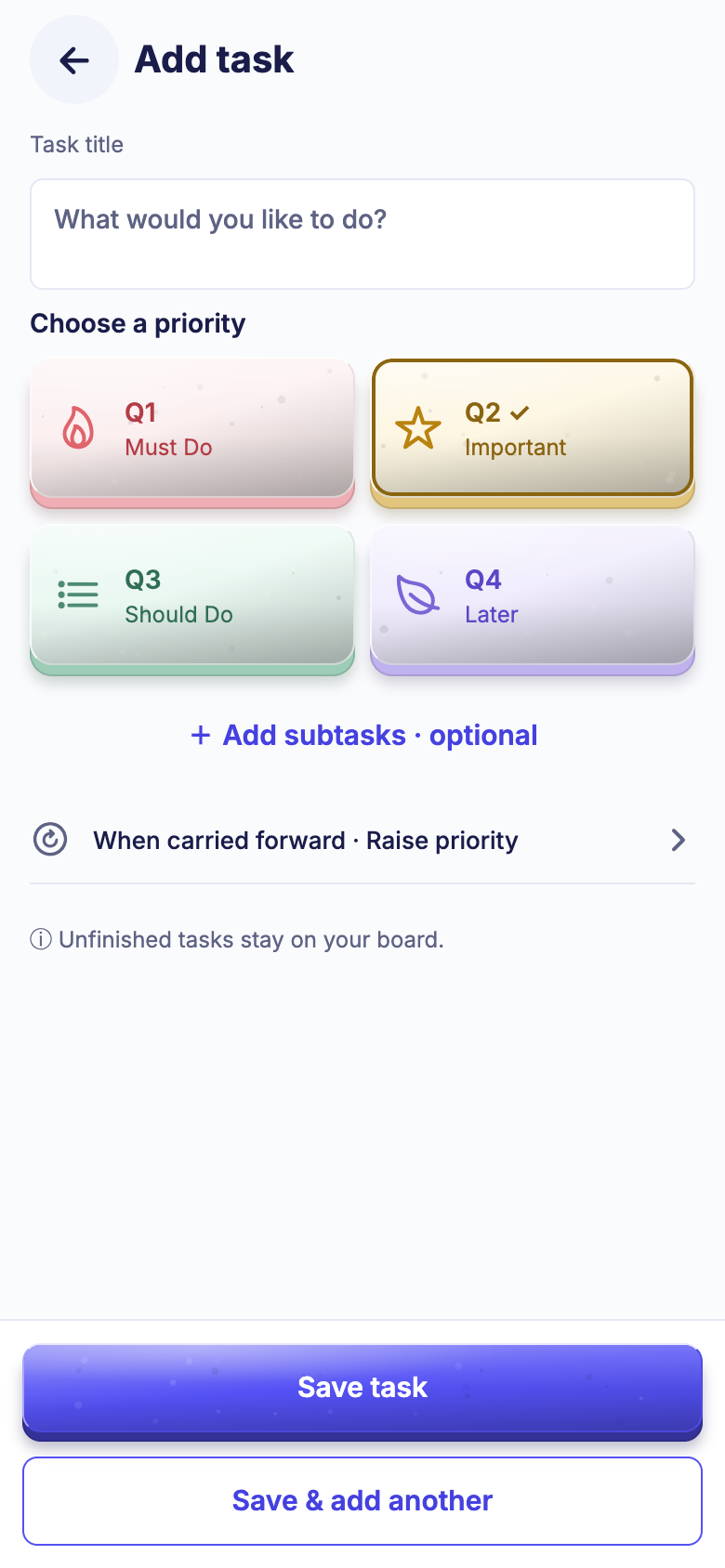
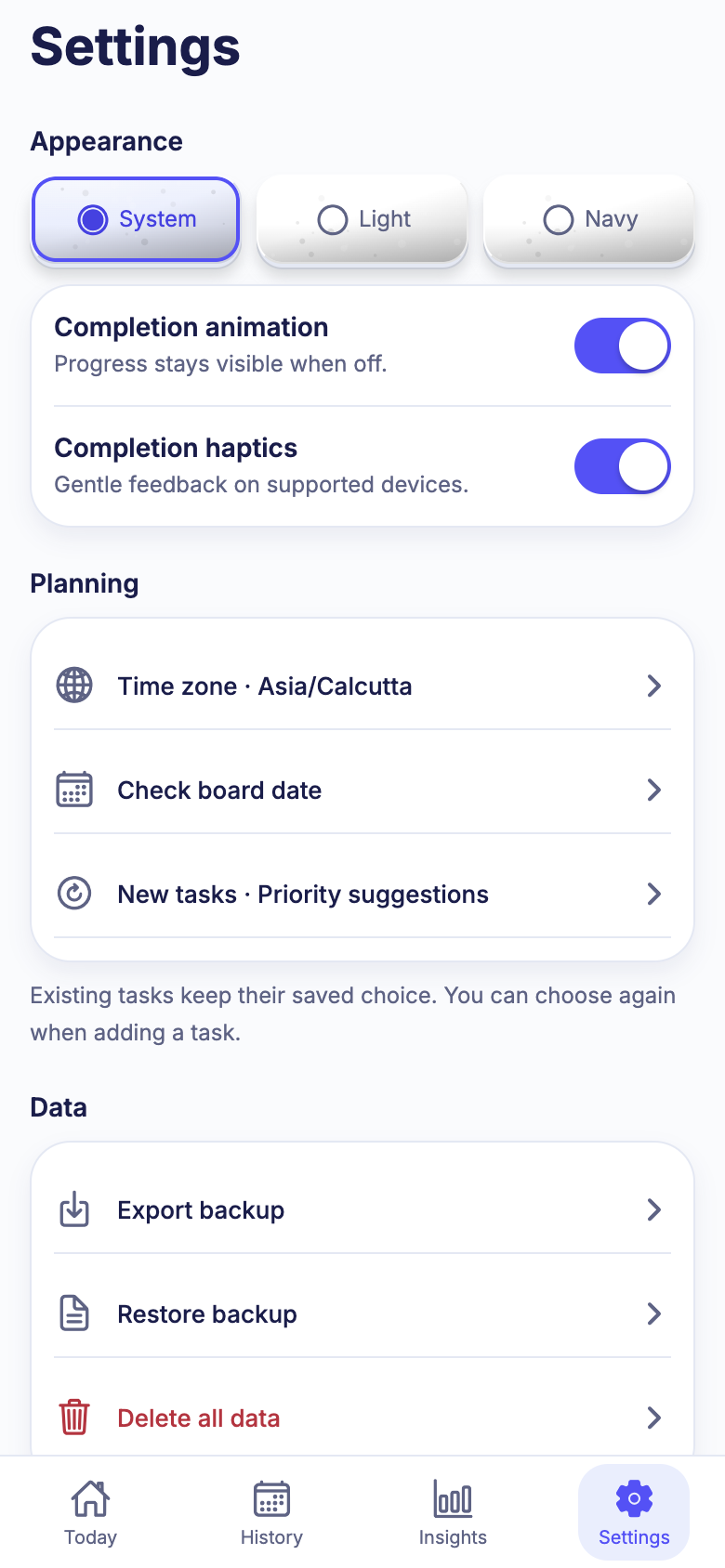
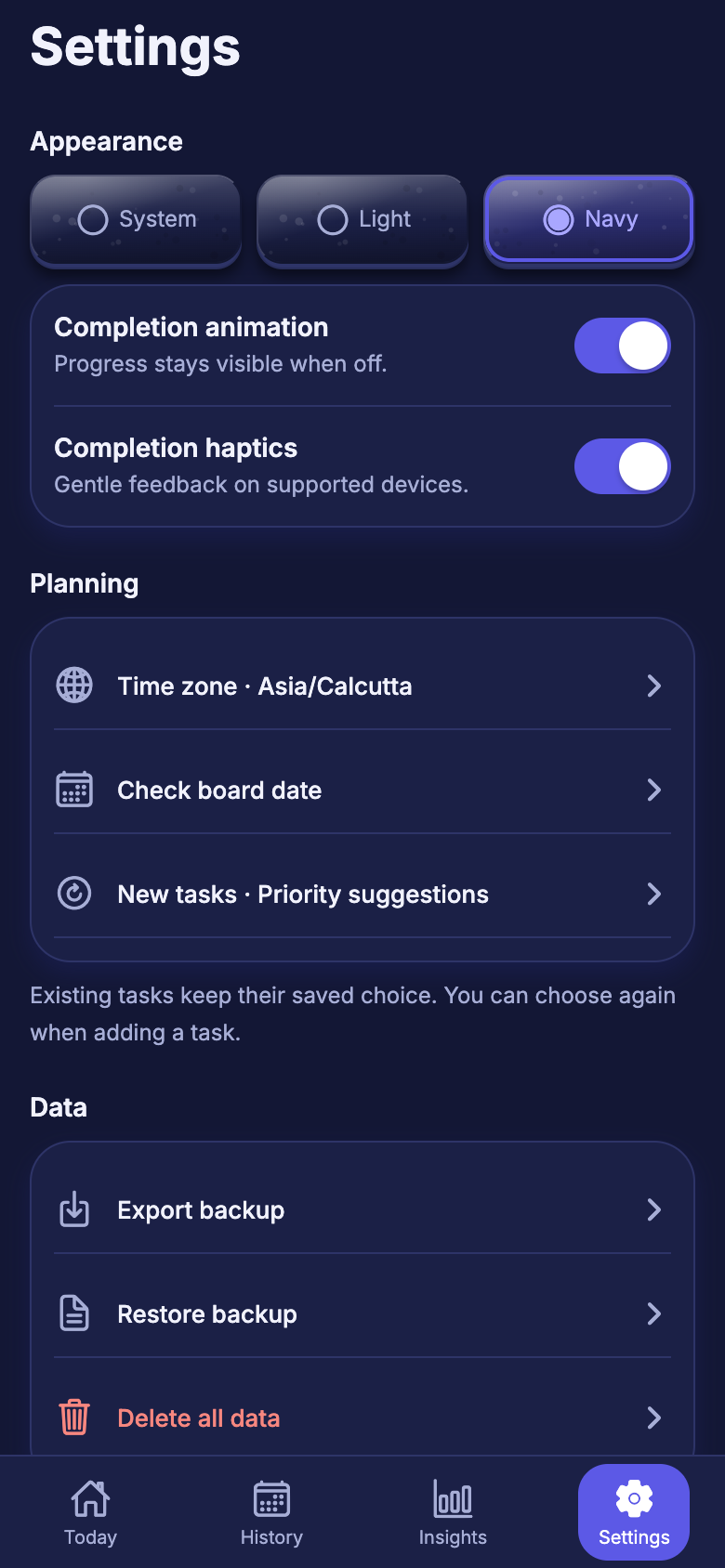
Every screen ships in both themes, or follows your phone setting automatically.
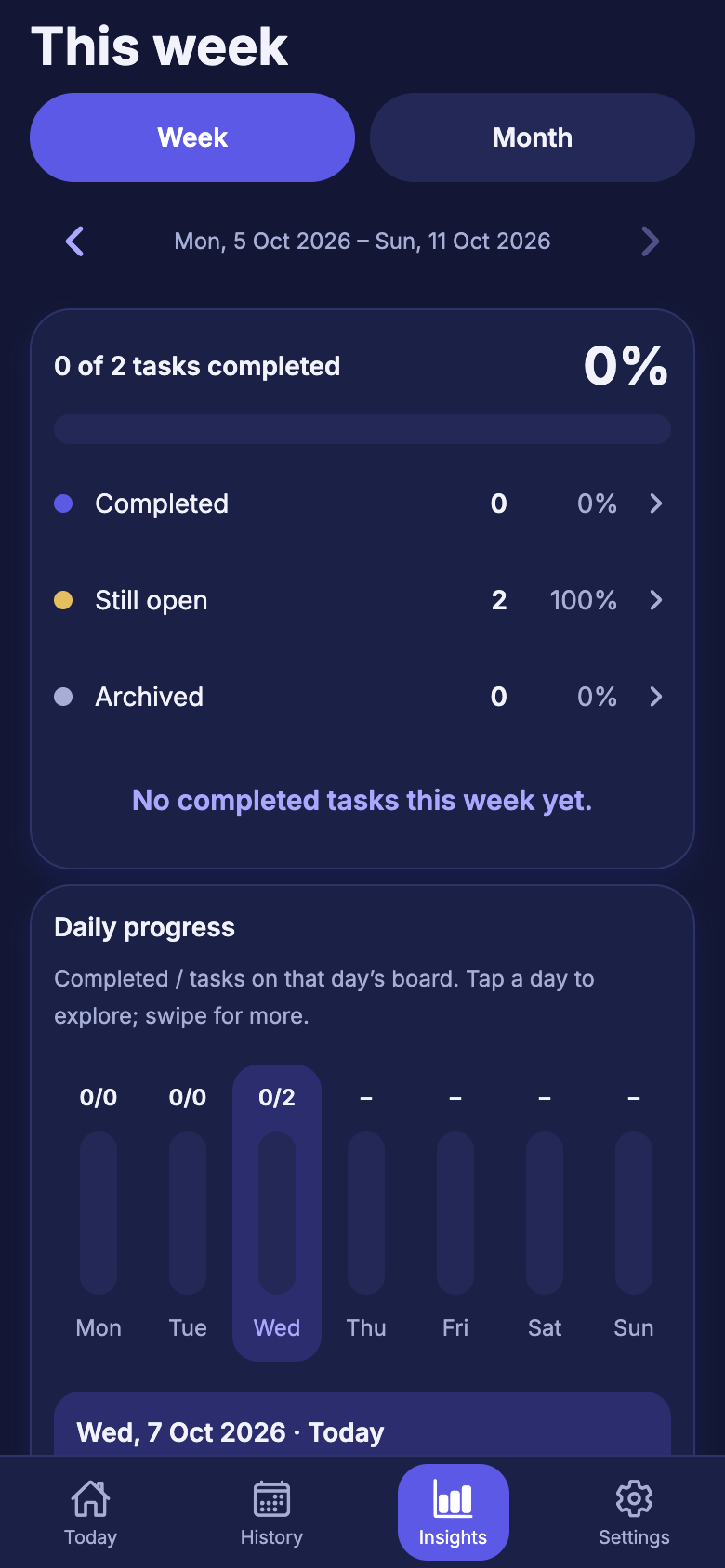
Write the task, choose Must Do, Important, Should Do or Later. That is the entire setup.
Choose where to start. Tick tasks off, check off subtasks, and watch progress fill.
Preview what carries over, close the day, and come back to a fresh board tomorrow.
Focus Four has no sign in, no account sync and no ad network. Your planner stays on your device unless you choose to export and share a backup.
Everything lives in a private database on your device. Airplane mode changes nothing.
No email, no password, no profile. Open the app and start planning.
No analytics, no ad identifiers and no crash reporting service.
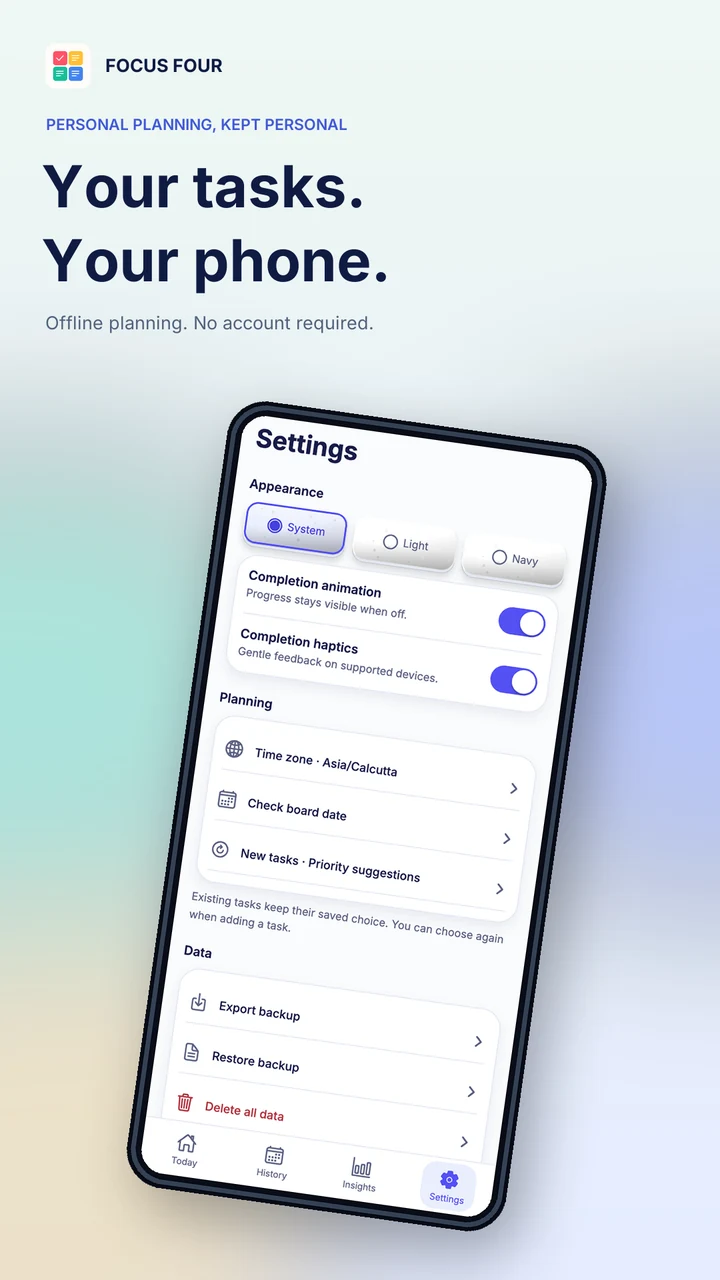
Export a JSON backup, choose where to keep it, and preview it before restoring. Backup files are unencrypted.
One confirmed action removes all tasks, history, drafts and settings.
Completion motion and haptics have separate controls, and reduced motion is respected.
Match your eyes and your phone's theme.
Respects reduced motion. Animation and haptics each have their own switch.
Your day rolls over where you are, so tasks land on the right date.
Yes. Focus Four is free to install from Google Play, with no ads, in-app purchases or account.
No. Tasks, history and Insights all run on your device. You can use it on a plane or in a tunnel.
Focus Four is built for Android phones. A browser preview exists for development only and is not the product.
They carry forward to your next day. For each task you choose whether it keeps its priority or rises by one level. Review today shows the changes before they happen.
Yes. Export a backup file from Settings, move it however you like, then restore it on the new phone. The app shows a preview and asks you to confirm. Keep the file somewhere safe because it is unencrypted.
No. There are no streaks, points or reminders. When your board is clear, the app simply lets you rest.
Your tasks live in an app private database on your device and Android cloud backup is switched off for the app. Read the full privacy policy.
Focus Four is available now on Google Play for Android.
Download Focus Four on Google Play and give every task a clearer place.
Free of ads. Private by design. Android only.